
SAF Congress 1-2-1
Networking App.
Build connections before you arrive, get matched with the right people through AI, and book meetings with the contacts who matter — all from your phone or laptop.
How to...
Click a section to open it. Tap another to switch — only one stays open at a time.
The more you put in, the more the app gives back. A complete profile means better AI matches, more profile views, and more meaningful connections at the event.
Once you're in the app, find it in the left-hand menu.
It sits next to your initials (or your profile picture if you've already added one).
We've added what we know — give it a quick review and update anything that's changed.
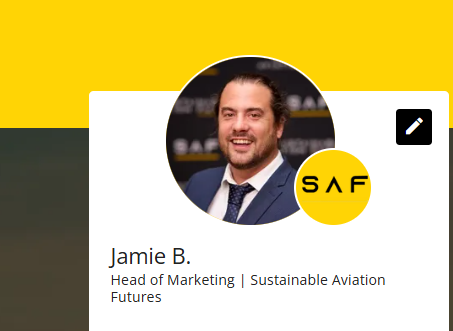
Add your profile picture first.
Attendees with a profile picture are significantly more likely to be approached for connections and meetings. A clear headshot makes you findable in a list of hundreds.
Write your "About"
This is the bit attendees read when they consider connecting with you. Cover: who you are, your role, who you're looking to meet, and your areas of focus in the industry.
Tags & LinkedIn
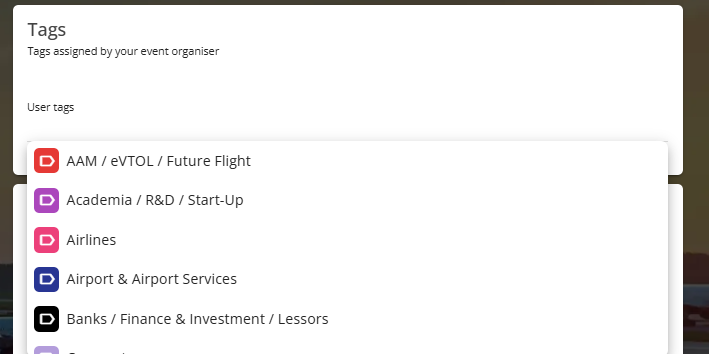
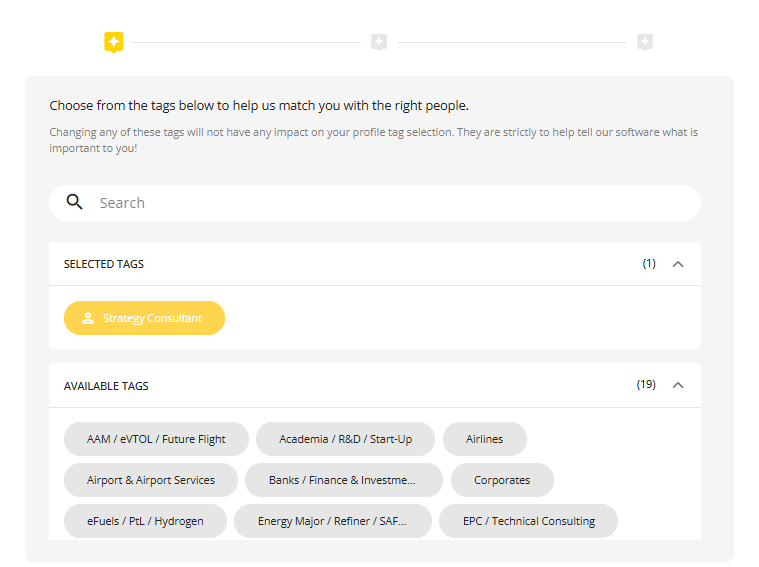
Tags categorise you by parent industry group. We've pre-assigned tags for you — if any need changing, email Jamie.bentley@safcongress.com and we'll sort it.
At the bottom of your profile. This is one of the biggest drivers of strong AI matches — don't skip it.
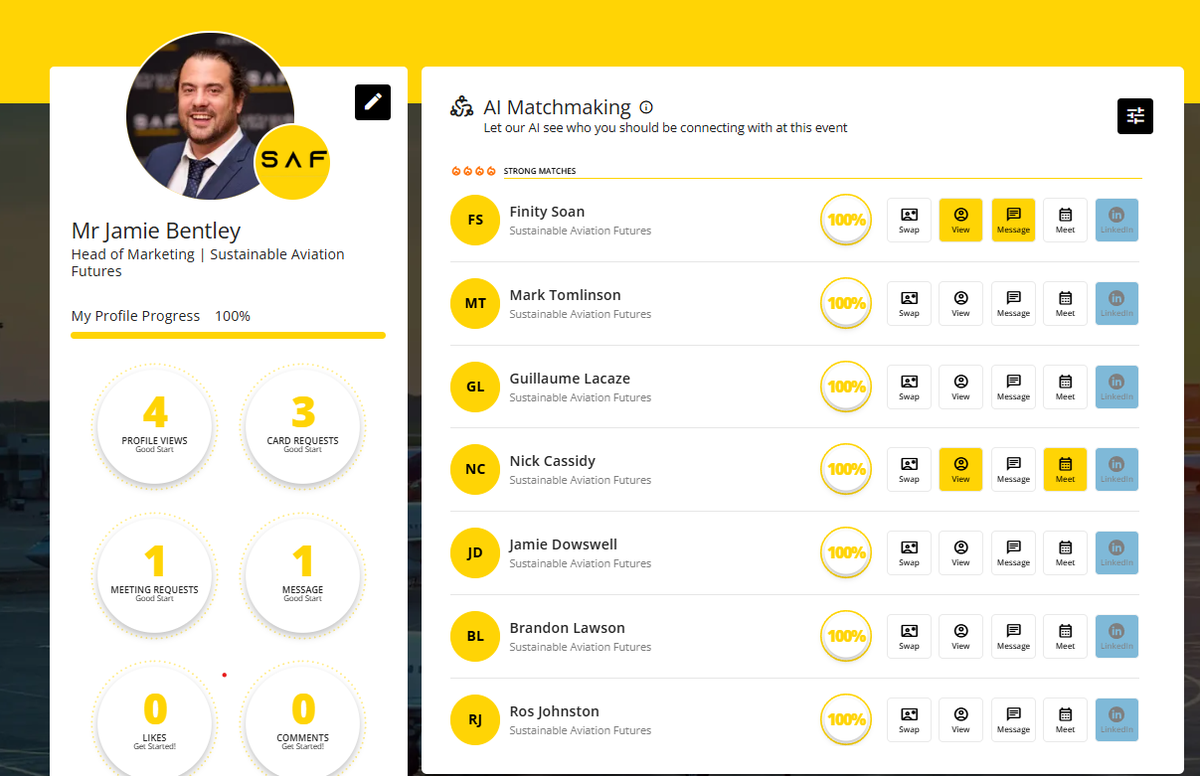
Once your profile is up to date, our AI starts working for you — surfacing the attendees most worth your time based on your tags, interests and LinkedIn.
Your matches appear on the right-hand side, ranked by match strength.
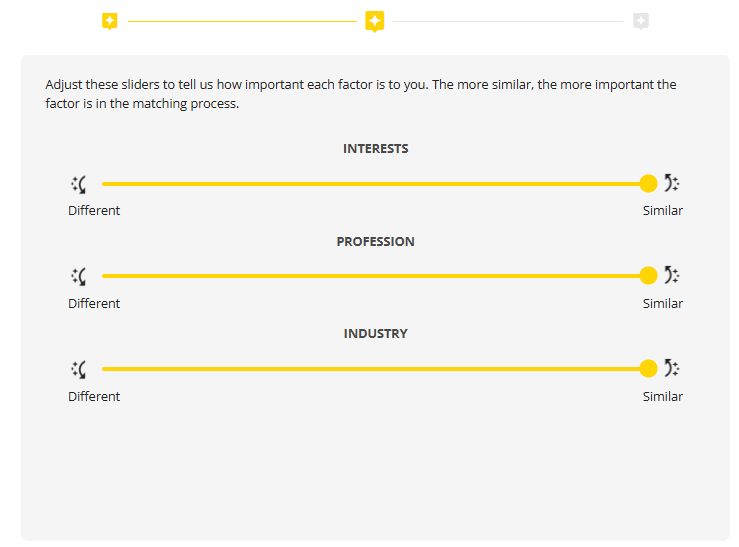
Tell the AI what matters most: industry tags, professional interests, or both. Move the sliders towards "Similar" for tight matches, "Different" if you're looking to expand your network outside your usual orbit.
Swap business cards, message them directly, book a meeting, or connect via LinkedIn — all from the match row.

Try the "Different" slider once.
The AI defaults to surfacing people like you. But events are where you bump into the unexpected — drag a slider towards "Different" and you might find a feedstock supplier you'd never have searched for. Best conversations often start with people outside your bubble.
If you're hunting for a specific company rather than an individual, Project Partners is your starting point.
Find it in the left-hand menu.
Type the company name into the search bar.
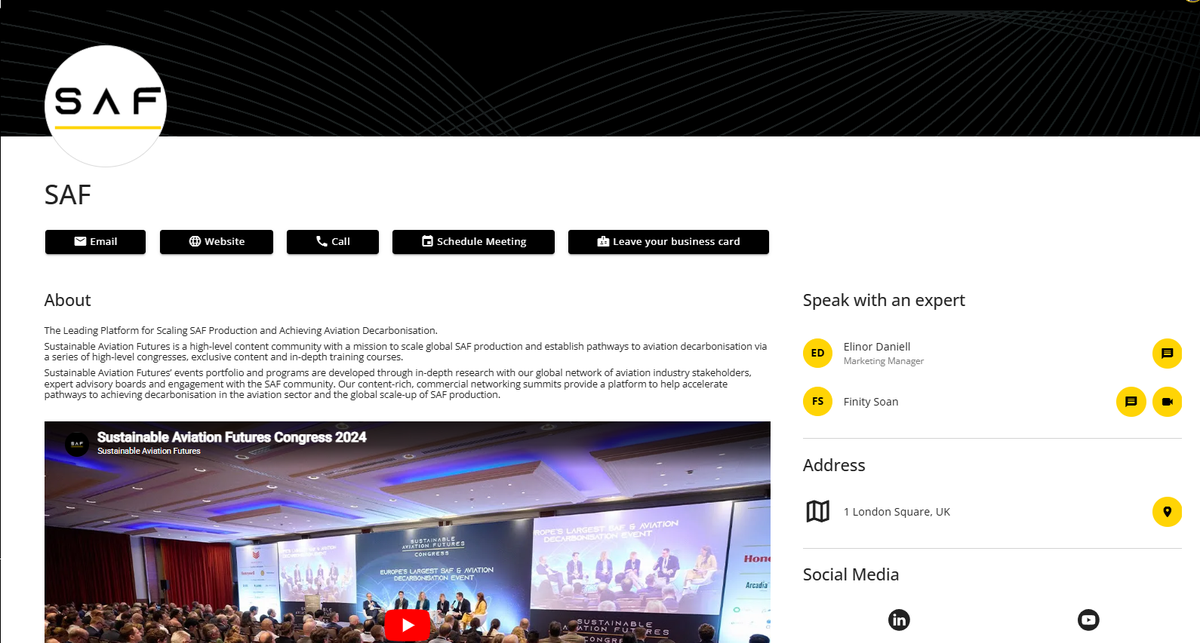
Click into the profile to see their team, description and contact options.
The fastest route: pick a representative from the right-hand side of the profile and message them directly, or leave your business card with the company. You can also schedule a meeting straight from the buttons at the top of the page.
Always go through a named rep — not the company inbox.
Generic "Leave a business card" requests can sit in a queue. A direct message to a specific representative almost always gets a faster, more personal reply. Look at the team on the right of the profile and pick the most relevant person.
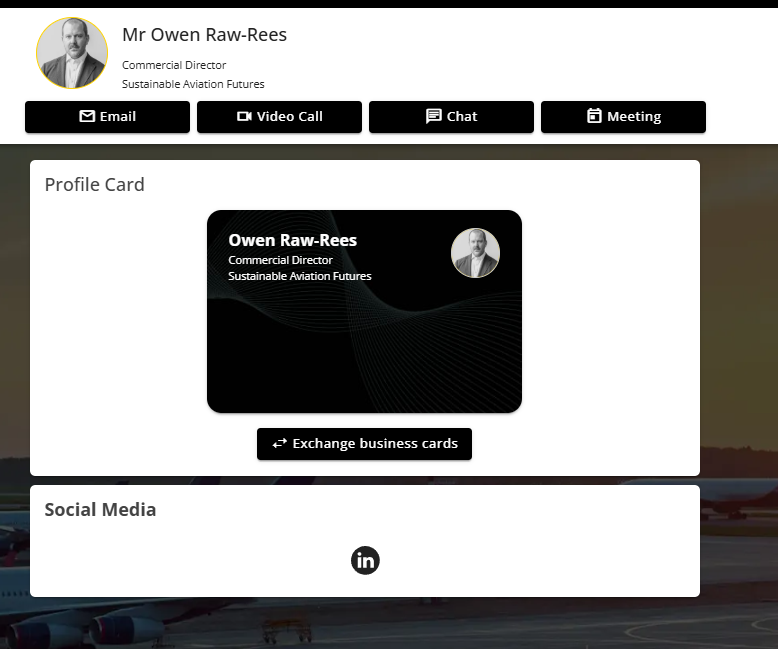
If you'd rather start from a person than a company, the attendee directory is your friend.
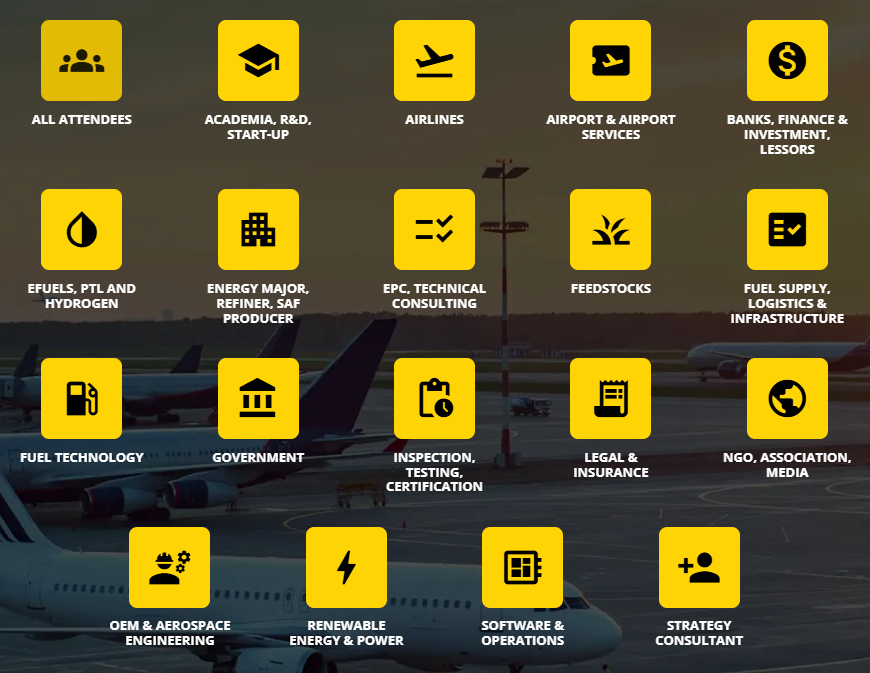
From the left-hand menu. You'll see attendees grouped by industry to help you narrow down.
By name, company, job title or industry tag.
Email them directly, chat inside the app, exchange virtual business cards, or set up a meeting.
My Connections
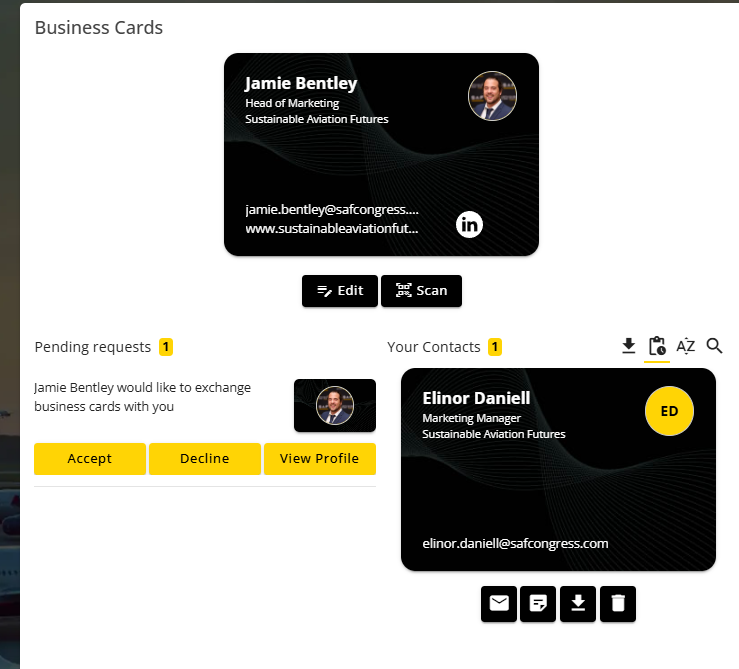
When you exchange business cards with someone and they accept, their card lands automatically in My Connections in the left-hand menu. You'll also see pending requests waiting for your response.
Send a message before you send a meeting invite.
A cold meeting request out of nowhere often gets ignored. A short, personal message first — "loved your panel last year, would love to discuss X" — makes the meeting accept rate dramatically higher. The relationship comes before the calendar invite.
The single best use of the app. Lock in your meetings before Day 1 and your event becomes a focused conversation rather than a panicked scramble.
If you know who you want to meet
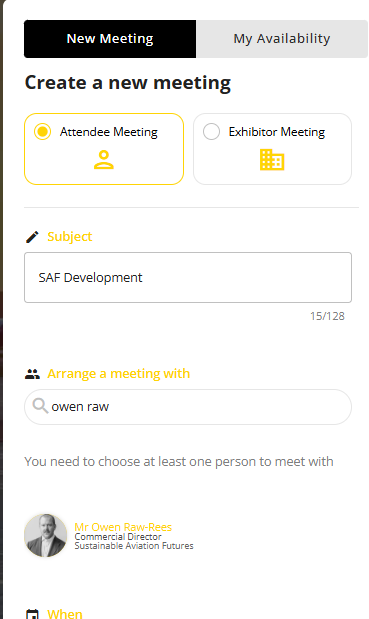
From "Book and View Meetings" in the menu, then click "New Meeting".
Give your meeting a clear subject (e.g. "SAF Development discussion"), then search for the attendee you want to meet with.
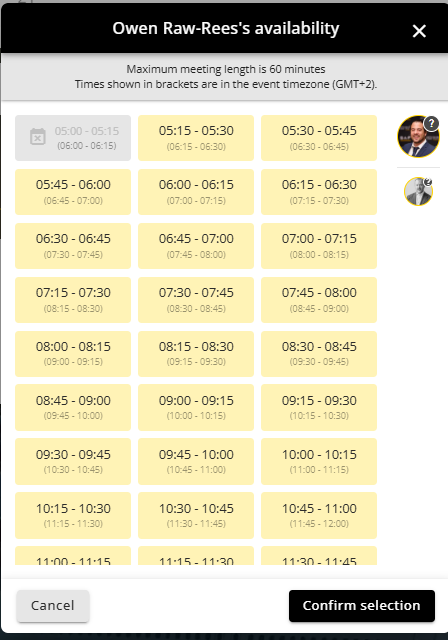
You'll see their availability — pick a slot that works for both of you.
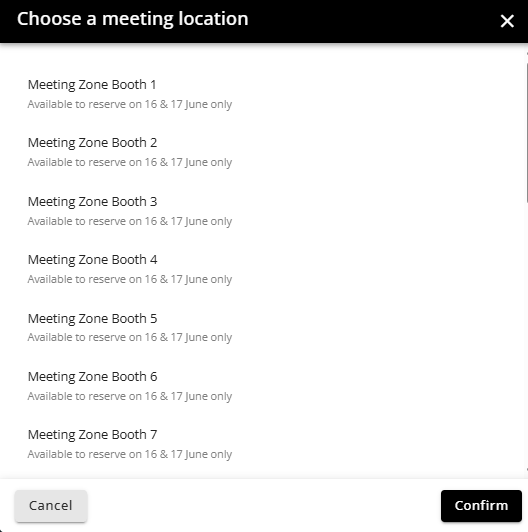
Pick a meeting zone booth, or suggest a custom location like "Meet at registration desk".
Once confirmed, the meeting lands in My Meetings in the menu.
Book the prime slots before Day 1.
10:30 and 14:30 slots disappear fastest — they're long enough after coffee and lunch breaks to actually have a proper conversation. Lock them in early. And if you're meeting someone influential, suggest a Meeting Zone Booth on the 16th or 17th rather than the corridor — fewer interruptions, better outcome.
If you're not sure who to meet yet
Start in the Attendees list. We've grouped delegates by industry to help you narrow down — pick the categories that match what you're looking for, then book meetings with the most promising contacts from there.
This year we're running a competition inside the app. The more you interact, the more points you earn — and there are prizes for the top 3 app influencers.
You earn points for actions like:
Profile picture, About, tags, LinkedIn — every field counts.
Exchange business cards, send messages, book meetings.
Use AI matchmaking, browse company profiles, view the agenda.
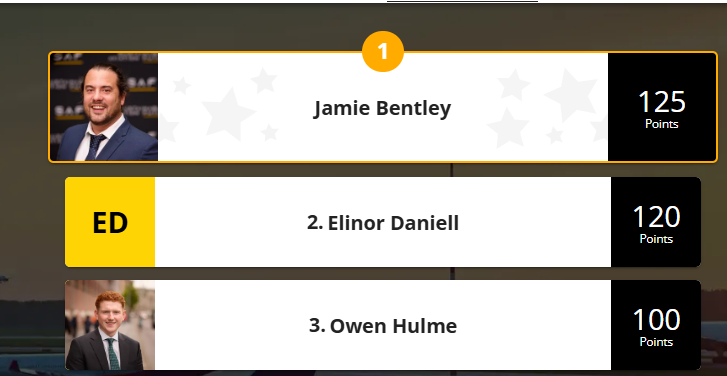
The leaderboard rewards habits, not heroics.
Don't try to scramble points on Day 3. The winners are the ones who set up their profile properly in week one, start AI matching early, and book a handful of meetings before the event opens. Steady engagement > last-minute spam.